

Back to blog
Filter by:
Tags
- Knowledge
- technology
- OOP
- Tips
- Programming
- Tips
- Tutorial
- SEO
- Ranking
- Knowledge
- Special Day
- Seo
- Bug
- Data science
- Seo
- artificial intelligence
- Machine Learning
- Robotics
- happyNewYear2021
- newYearEve
- 2021
- Automation
- Smart Home
- Career
- Best Practices
- Git
- Logging
- Web Fundamentals
- DNS
- HTTPS
- Performance
- AI Tools
- ChatGPT
- Claude
- Gemini
- Laravel
- Eloquent
- MySQL
- HTTPS
- TLS
- Web Security
- Certificates
- Developer Life
- Debugging
- Docker
- DevOps
- Transactions
- Queues
- LLMs
- AI
- AI Coding
- Developer Tools
- React Native
- Expo
- Kate PMS
- Mobile Apps
- Laravel
- Authentication
- Sanctum
- Cookies
- API Design
- Payments
- Idempotency
- DeepSeek
- Open Source AI
- LLMs
- AI News
- Git
- Version Control
- AI Coding
- Prompting
- PHP
- Checklist
- MCP
- AI Agents
- OpenAI
- Architecture
- Microservices
- Modular Monolith
- Estimation
- Developer Life
- Project Planning
- Humour
- OAuth
- OpenID Connect
- Authentication
- Embeddings
- Vector Search
- RAG
- pgvector
- OpenAI
- GPT-4.1
- Codex CLI
- Events
- Testing
- Clean Code
- Maintainability
- Code Review
- Webhooks
- API
- Security
- Claude Code
- Workflow
- AI
- LLM
- Prompt Injection
- Mobile
- React
- Networking
- TCP
- UDP
- HTTP/3
- CLAUDE.md
- AWS
- Cloud Security
- Backups
- PHPUnit
- Software Engineering
- Leadership
- Communication
- RAG
- Embeddings
- AI Engineering
- IT Infrastructure
- Networking
- Access Control
- CI/CD
- GitHub Actions
- Gemini CLI
- Claude Code
- JavaScript
- Async/Await
- Node.js
- Promises
- Security
- Cryptography
- Passwords
- MySQL
- Database
- Vibe Coding
- Software Quality
- DNS
- Code Reading
- Onboarding
- Productivity
- Background Jobs
- Developer Humour
- Estimates
- Dev Life
- JWT
- o3-mini
- DeepSeek R1
- Rate Limiting
- Kate PMS
- E-Signing
- Audit Trail
- REST
- GraphQL
- API Design
- Laravel 12
- Upgrade Guide
- Open Source
- Self-Hosting
- Task Scheduling
- Cron
- Secrets
- CORS
- PHP
- PHP-FPM
- OPcache
- GitHub Copilot
- Software Architecture
- Engineering
- TypeScript
- JavaScript
- Type Safety
- AI Security
- React Native
- Product Design
- AI Agents
- Kiro
- Queues
- Redis
- RabbitMQ
- AWS SQS
- Nginx
- Apache
- GPT-5
- gpt-oss
- Clean Code
- Architecture
- Naming
- Documentation
- Career
- ADR
- Teamwork
- Supply Chain
- Kate HRM
- HR Software
- Permissions
- System Design
- Pagination
- SSH
- Linux
- Big O
- Databases
- Laravel Boost
- MCP
- Developer Skills
- Validation
- Databases
- Indexes
- Code Quality
- Deployment
- Developer Humour
- Feature Flags
- Code Review
- Pull Requests
- Docker
- Cursor
- Authorization
- RBAC
- Gemini
- Long Context
- PHP 8.4
- Caching
- Dependency Injection
- Web Performance
- Browser
- CSS
- Database
- Migrations
- ChatGPT
- AI for Developers
- Monitoring
- On-Call
- REST
- Backend
- SQL
- NoSQL
- Database Design
- Coding Agents
- Claude 4
- API Resources
- REST API
- Load Balancing
- Scaling
- AWS
- AI Tools
- Claude
- Sora 2
- CTE
- 2FA
- TOTP
- Programming Languages
- Prompts
- Developer Workflow
- API Gateway
- APIs
- Passport
- API Auth
- Learning
- Burnout
- Developer Growth
- Web Development
- SEO
- Kate Mall
- ChatGPT Atlas
- Agent Skills
- Middleware
- Laravel 12
- Collections
- Context Window
- Monitoring
- Commit Messages
- Self Review
- Growth
- Regex
- Programming Basics
- Text Processing
- Database Design
- Normalization
- Linux
- Server Security
- Linux Foundation
- Open Standards
- Legacy Code
- Documentation
- AI Workflow
- File Uploads
- Test Data
- Hashing
- Performance
- Caching
- Enums
- Scope Creep
- Estimation
- Codex
- Gemini CLI
- Timezones
- Carbon
- Bugs
- PHP 8.5
- Gemini 3
- GPT-5.1
- Data Integrity
- Event Loop
- Async
- Opus 4.5
- AI Models
- React
- Forms
- Frontend
- Backups
- AI Images
- DALL-E
- Midjourney
- Race Conditions
- Concurrency
- Legacy Code
- Refactoring
- Senior Engineer
- Scope
- LLM
- CDN
- Web
- Sub-Agents
- Soft Deletes
- Audit Log
- Concurrency
- AI Learning
- NestJS
- AI Evals
- Policies
- SPF DKIM DMARC
- Unicode
- UTF-8
- Knowledge Graph
- Value Objects
- Technical Debt
- Feature Flags
- Laravel Pennant
- Deployment
- Copilot
- Composer
- Dependencies
- Artisan
- Automation
- AWS S3
- Object Storage
- Cloud
- Small Language Models
- Ollama
- Production
- Sessions
- HTTP
- Mentoring
- SQL
- Virtual Machines
- Web Development
- HTTP/2
- QUIC
- Web Performance
- AI Integration
- LLM API
- SOLID
- OOP
- Hosting
- Serverless
- Merge Conflicts
- Temperature
- AI Development
- Reverse Proxy
- Nginx
- Infrastructure
- Verification
- Passkeys
- WebAuthn
- Teams
- Communication
- Stakeholders
- Monorepo
- CI/CD
- Versioning
- JSON Schema
- Livewire
- Inertia
- Meetings
- Distributed Systems
- Privacy
- Full-Stack
- T-Shaped Skills
- Money
- Notifications
- Web Security
- HTTP Headers
- CSP
- Function Calling
- Load Testing
- k6
- Data Extraction
- Debugging
- WebSockets
- SSE
- Real-Time
- Laravel Reverb
- Infrastructure as Code
- Terraform
- Side Projects
- Laravel Pint
- OpenAPI
- Swagger
- UX
- Multimodal
- Jest
- Pair Programming
- APIs
- Rate Limiting
- Resilience
- Dev Humour
- Design Tokens
- JWT
- API Keys
- Sessions
- PHPStan
- Rector
- Incidents
- Reporting
- Dashboards
- Zero Trust
- IAM
- Search
- Laravel Scout
- Junior Developers
- Mentoring
- Images
- WebP
- AVIF
- Bug Reports
- Let's Encrypt
- Design Docs
- Software Design
- Observers
- Replication
- Accountability
- Data Structures
- Reliability
- LLM Memory
- Error Handling
- Payments
- Payment Gateway
- Webhooks
- PCI DSS
- Observability
- OpenTelemetry
- Personal Brand
- Writing
- Conventions
- Dates
- Scheduling
- Disaster Recovery
- Compression
- Brotli
- Deadlines
- Developer Habits
- State Machines
- Tech Roles
- UUID
- ULID
- Horizon
- Planning
- Engineering Culture
- Ownership
- Soft Skills
- Socialite
- Cost Control
- Collations
- Unicode
- Octane
- PostgreSQL
Categories
//Article title
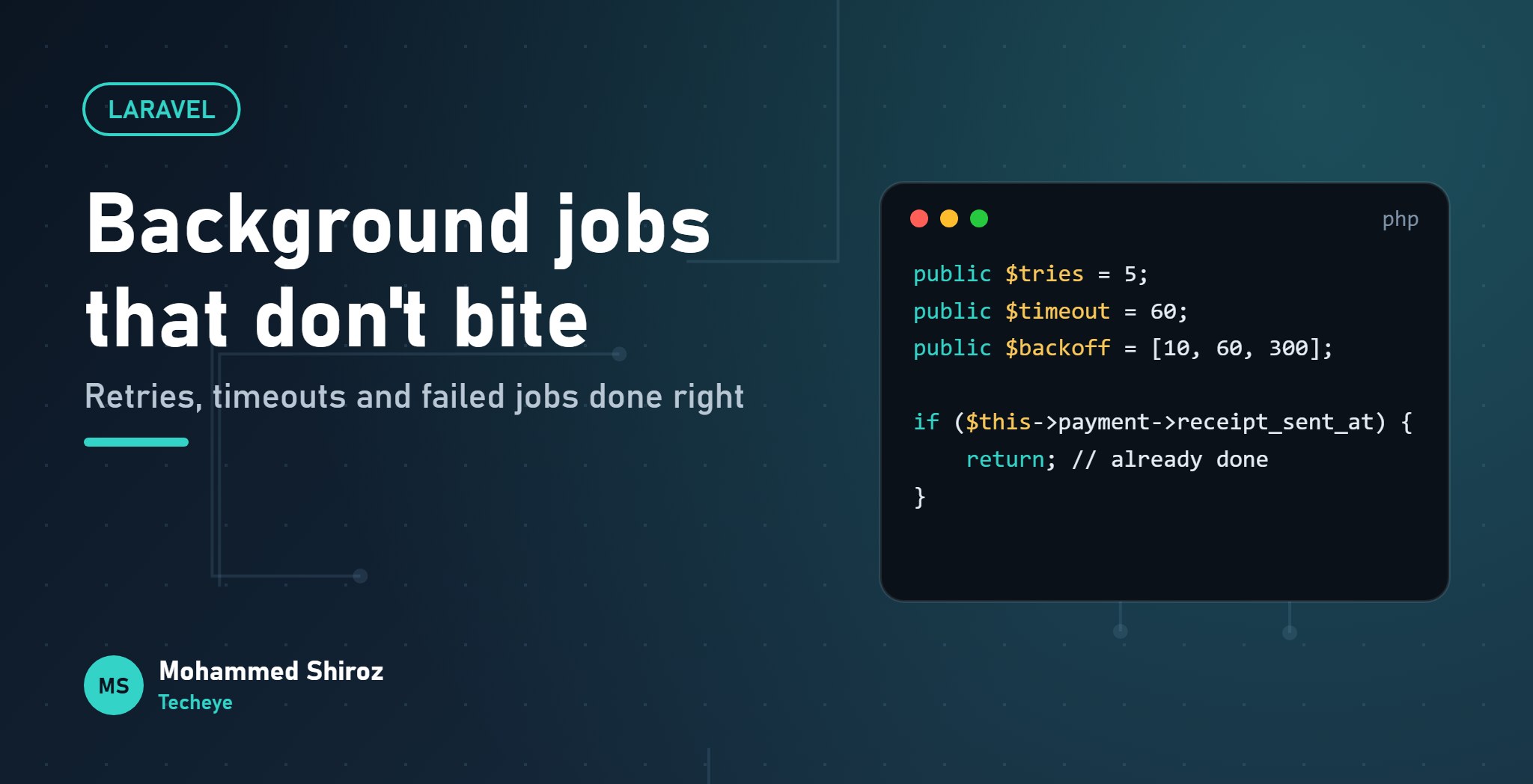
Laravel Queues: A Practical Guide to Background Jobs That Don't Bite
About Post
A tenant pays their rent. Your controller saves the payment, generates a PDF receipt, emails it, sends a push notification and updates an accounting system. The user watches a spinner the whole time.
Then the mail server has a bad moment, the request throws an exception, and the user sees an error page. For a payment that actually went through.
That's the case for queues in two sentences: users shouldn't wait for work they don't need to see, and a slow or flaky side effect shouldn't break the main action. Laravel makes queues easy to start with. Making them reliable takes a few more decisions, and those are what this guide is about. Examples are for Laravel 11.
The basic shape
Save the important thing in the request, and push everything else to a job:
// In the controller: fast and focused
$payment = Payment::create($validated);

SendPaymentReceipt::dispatch($payment);

return response()->json($payment, 201);
A worker process picks the job up a moment later and does the slow part. If it fails, it can try again without the user ever knowing.
One trap right away: if you dispatch inside a database transaction, the worker can pick the job up before the transaction commits, and find no payment. Use ->afterCommit() on the dispatch (or set after_commit on the connection) so the job only goes out once the data really exists.
Choosing a driver
| Driver | Good for | Watch out for |
|---|---|---|
sync | Tests and local debugging | Runs jobs immediately, in the request. Not a queue at all. |
database | Small to medium apps, zero extra services | Heavy job volume adds load to your main database. |
redis | Most production apps | Another service to run and monitor. Pairs well with Horizon. |
sqs | AWS setups, no queue server to manage | Message size limits and its own retry semantics. |
Laravel 11 ships with the database driver by default, and honestly that's a perfectly fine place to start. Move to Redis when volume or latency asks for it, not before.
A job that's ready for real life
class SendPaymentReceipt implements ShouldQueue
{
    use Queueable;

    public $tries = 5;
    public $timeout = 60;
    public $backoff = [10, 60, 300];

    public function __construct(public Payment $payment) {}

    public function handle(ReceiptMailer $mailer): void
    {
        if ($this->payment->receipt_sent_at) {
            return; // already done on an earlier attempt
        }

        $mailer->send($this->payment);
        $this->payment->update(['receipt_sent_at' => now()]);
    }

    public function failed(?Throwable $e): void
    {
        Log::error('Receipt failed', ['payment' => $this->payment->id]);
    }
}
A few things are doing real work here. Passing the model in the constructor serializes only its ID, and the worker fetches a fresh copy from the database, so the job always sees current data. $backoff spaces out the retries: 10 seconds, then a minute, then five minutes for the rest, which gives a struggling mail server room to recover instead of hammering it. And failed() runs once all attempts are used up, which is where you alert someone.
Retries mean jobs run more than once
This is the part people skip. If a job can retry, it will eventually run twice for the same data: it might send the email and then crash before marking it sent. Or a worker might get killed mid-job and the job gets released again.
So every job should be safe to run more than once. That's what the receipt_sent_at check above is doing. The same idea applies everywhere:
- Check whether the work is already done before doing it.
- Use unique constraints so a duplicate insert fails loudly instead of creating a second row.
- When calling payment gateways or other APIs that support it, send an idempotency key.
Laravel also offers ShouldBeUnique to stop duplicate jobs being queued at the same time, and the WithoutOverlapping job middleware to stop two jobs for the same record running in parallel. Both help, but neither replaces making the job itself safe to repeat.
Timeouts and the retry_after trap
There are two settings that sound alike and cause real trouble when they disagree:
$timeout(or--timeouton the worker): how long a job may run before the worker kills it.retry_afterinconfig/queue.php: how long the queue waits before assuming a job is stuck and handing it to another worker.
If retry_after is shorter than your job's run time, a slow but healthy job gets handed to a second worker while the first is still working on it. Now it runs twice, at the same time.
The rule: retry_after must always be a bit longer than your longest job timeout. If a job legitimately takes five minutes, give it its own queue and connection with a matching retry_after.
Failed jobs are a to-do list
When a job runs out of tries, Laravel stores it in the failed_jobs table. That table is not a graveyard, it's a to-do list. The commands you'll use:
php artisan queue:failed          # list them
php artisan queue:retry all       # retry after fixing the cause
php artisan queue:retry 5f2c...   # retry one by its UUID
php artisan queue:prune-failed --hours=168
Get alerted when failed jobs appear, through failed(), a log channel or Horizon, instead of discovering a week later that no receipts went out.
Keeping workers alive with Supervisor
php artisan queue:work is a long-running process. In production something needs to start it, restart it if it dies, and run several copies. On a Linux server, that's usually Supervisor:
[program:app-worker]
command=php /var/www/app/artisan queue:work redis --sleep=3 --tries=3 --max-time=3600
process_name=%(program_name)s_%(process_num)02d
numprocs=2
autostart=true
autorestart=true
user=www-data
stopwaitsecs=3600
redirect_stderr=true
stdout_logfile=/var/www/app/storage/logs/worker.log
--max-time makes each worker exit cleanly after an hour so Supervisor starts a fresh one, which keeps slow memory leaks in check. stopwaitsecs gives a running job time to finish when the worker is stopped. A $tries property on the job class wins over the --tries flag, so the flag is just the default for jobs that don't set their own.
And the one everybody forgets: workers keep your old code in memory. After every deploy, run php artisan queue:restart, or your workers will happily keep running last week's code.
The checklist
- Save the critical thing in the request; queue the slow side effects.
- Dispatch after the transaction commits.
- Set
$tries,$backoffand$timeouton purpose, not by default. - Make every job safe to run twice.
- Keep
retry_afterlonger than your longest timeout. - Watch
failed_jobsand get alerted. - Run workers under Supervisor and restart them on every deploy.
The Laravel queue docs cover every option in detail, and they're worth a full read once you've got the basics running.
Which queue lesson did you learn the hard way: the forgotten queue:restart, the email sent three times, or something stranger?
01. About Shiroz

Mohammed Shiroz
Hi, I'm Mohammed Shiroz, a software engineer and AI enthusiast from Sri Lanka who turns ideas into intelligent, real-world solutions. With over 9 years of hands-on experience, I currently lead real estate ERP development at Kate Group, a...
02. Latest Posts


03.My Projects






 United States
 Germany
 United States
 Australia
 Estonia
 Ukraine
 Netherlands
 Sweden
 Romania
 Qatar
Qatar
 Poland
Be first to comment it...