

Back to blog
Filter by:
Tags
- Knowledge
- technology
- OOP
- Tips
- Programming
- Tips
- Tutorial
- SEO
- Ranking
- Knowledge
- Special Day
- Seo
- Bug
- Data science
- Seo
- artificial intelligence
- Machine Learning
- Robotics
- happyNewYear2021
- newYearEve
- 2021
- Automation
- Smart Home
- Career
- Best Practices
- Git
- Logging
- Web Fundamentals
- DNS
- HTTPS
- Performance
- AI Tools
- ChatGPT
- Claude
- Gemini
- Laravel
- Eloquent
- MySQL
- HTTPS
- TLS
- Web Security
- Certificates
- Developer Life
- Debugging
- Docker
- DevOps
- Transactions
- Queues
- LLMs
- AI
- AI Coding
- Developer Tools
- React Native
- Expo
- Kate PMS
- Mobile Apps
- Laravel
- Authentication
- Sanctum
- Cookies
- API Design
- Payments
- Idempotency
- DeepSeek
- Open Source AI
- LLMs
- AI News
- Git
- Version Control
- AI Coding
- Prompting
- PHP
- Checklist
- MCP
- AI Agents
- OpenAI
- Architecture
- Microservices
- Modular Monolith
- Estimation
- Developer Life
- Project Planning
- Humour
- OAuth
- OpenID Connect
- Authentication
- Embeddings
- Vector Search
- RAG
- pgvector
- OpenAI
- GPT-4.1
- Codex CLI
- Events
- Testing
- Clean Code
- Maintainability
- Code Review
- Webhooks
- API
- Security
- Claude Code
- Workflow
- AI
- LLM
- Prompt Injection
- Mobile
- React
- Networking
- TCP
- UDP
- HTTP/3
- CLAUDE.md
- AWS
- Cloud Security
- Backups
- PHPUnit
- Software Engineering
- Leadership
- Communication
- RAG
- Embeddings
- AI Engineering
- IT Infrastructure
- Networking
- Access Control
- CI/CD
- GitHub Actions
- Gemini CLI
- Claude Code
- JavaScript
- Async/Await
- Node.js
- Promises
- Security
- Cryptography
- Passwords
- MySQL
- Database
- Vibe Coding
- Software Quality
- DNS
- Code Reading
- Onboarding
- Productivity
- Background Jobs
- Developer Humour
- Estimates
- Dev Life
- JWT
- o3-mini
- DeepSeek R1
- Rate Limiting
- Kate PMS
- E-Signing
- Audit Trail
- REST
- GraphQL
- API Design
- Laravel 12
- Upgrade Guide
- Open Source
- Self-Hosting
- Task Scheduling
- Cron
- Secrets
- CORS
- PHP
- PHP-FPM
- OPcache
- GitHub Copilot
- Software Architecture
- Engineering
- TypeScript
- JavaScript
- Type Safety
- AI Security
- React Native
- Product Design
- AI Agents
- Kiro
- Queues
- Redis
- RabbitMQ
- AWS SQS
- Nginx
- Apache
- GPT-5
- gpt-oss
- Clean Code
- Architecture
- Naming
- Documentation
- Career
- ADR
- Teamwork
- Supply Chain
- Kate HRM
- HR Software
- Permissions
- System Design
- Pagination
- SSH
- Linux
- Big O
- Databases
- Laravel Boost
- MCP
- Developer Skills
- Validation
- Databases
- Indexes
- Code Quality
- Deployment
- Developer Humour
- Feature Flags
- Code Review
- Pull Requests
- Docker
- Cursor
- Authorization
- RBAC
- Gemini
- Long Context
- PHP 8.4
- Caching
- Dependency Injection
- Web Performance
- Browser
- CSS
- Database
- Migrations
- ChatGPT
- AI for Developers
- Monitoring
- On-Call
- REST
- Backend
- SQL
- NoSQL
- Database Design
- Coding Agents
- Claude 4
- API Resources
- REST API
- Load Balancing
- Scaling
- AWS
- AI Tools
- Claude
- Sora 2
- CTE
- 2FA
- TOTP
- Programming Languages
- Prompts
- Developer Workflow
- API Gateway
- APIs
- Passport
- API Auth
- Learning
- Burnout
- Developer Growth
- Web Development
- SEO
- Kate Mall
- ChatGPT Atlas
- Agent Skills
- Middleware
- Laravel 12
- Collections
- Context Window
- Monitoring
- Commit Messages
- Self Review
- Growth
- Regex
- Programming Basics
- Text Processing
- Database Design
- Normalization
- Linux
- Server Security
- Linux Foundation
- Open Standards
- Legacy Code
- Documentation
- AI Workflow
- File Uploads
- Test Data
- Hashing
- Performance
- Caching
- Enums
- Scope Creep
- Estimation
- Codex
- Gemini CLI
- Timezones
- Carbon
- Bugs
- PHP 8.5
- Gemini 3
- GPT-5.1
- Data Integrity
- Event Loop
- Async
- Opus 4.5
- AI Models
- React
- Forms
- Frontend
- Backups
- AI Images
- DALL-E
- Midjourney
- Race Conditions
- Concurrency
- Legacy Code
- Refactoring
- Senior Engineer
- Scope
- LLM
- CDN
- Web
- Sub-Agents
- Soft Deletes
- Audit Log
- Concurrency
- AI Learning
- NestJS
- AI Evals
- Policies
- SPF DKIM DMARC
- Unicode
- UTF-8
- Knowledge Graph
- Value Objects
- Technical Debt
- Feature Flags
- Laravel Pennant
- Deployment
- Copilot
- Composer
- Dependencies
- Artisan
- Automation
- AWS S3
- Object Storage
- Cloud
- Small Language Models
- Ollama
- Production
- Sessions
- HTTP
- Mentoring
- SQL
- Virtual Machines
- Web Development
- HTTP/2
- QUIC
- Web Performance
- AI Integration
- LLM API
- SOLID
- OOP
- Hosting
- Serverless
- Merge Conflicts
- Temperature
- AI Development
- Reverse Proxy
- Nginx
- Infrastructure
- Verification
- Passkeys
- WebAuthn
- Teams
- Communication
- Stakeholders
- Monorepo
- CI/CD
- Versioning
- JSON Schema
- Livewire
- Inertia
- Meetings
- Distributed Systems
- Privacy
- Full-Stack
- T-Shaped Skills
- Money
- Notifications
- Web Security
- HTTP Headers
- CSP
- Function Calling
- Load Testing
- k6
- Data Extraction
- Debugging
- WebSockets
- SSE
- Real-Time
- Laravel Reverb
- Infrastructure as Code
- Terraform
- Side Projects
- Laravel Pint
- OpenAPI
- Swagger
- UX
- Multimodal
- Jest
- Pair Programming
- APIs
- Rate Limiting
- Resilience
- Dev Humour
- Design Tokens
- JWT
- API Keys
- Sessions
- PHPStan
- Rector
- Incidents
- Reporting
- Dashboards
- Zero Trust
- IAM
- Search
- Laravel Scout
- Junior Developers
- Mentoring
- Images
- WebP
- AVIF
- Bug Reports
- Let's Encrypt
- Design Docs
- Software Design
- Observers
- Replication
- Accountability
- Data Structures
- Reliability
- LLM Memory
- Error Handling
- Payments
- Payment Gateway
- Webhooks
- PCI DSS
- Observability
- OpenTelemetry
- Personal Brand
- Writing
- Conventions
- Dates
- Scheduling
- Disaster Recovery
- Compression
- Brotli
- Deadlines
- Developer Habits
- State Machines
- Tech Roles
- UUID
- ULID
- Horizon
- Planning
- Engineering Culture
- Ownership
- Soft Skills
- Socialite
- Cost Control
- Collations
- Unicode
- Octane
- PostgreSQL
Categories
//Article title
Laravel Scheduling: Replace Your Messy Crontab With Code You Can Review
About Post
Somewhere there's a server with a crontab like this. Maybe you're looking at it right now.
0 2 * * * php /var/www/app/artisan reports:nightly >> /tmp/r.log
*/5 * * * * php /var/www/app/artisan payments:sync
30 7 * * 1-5 php /var/www/app/artisan rent:remind
0 3 * * * /home/deploy/cleanup.sh   # who wrote this?
# 0 4 * * * php /var/www/app/artisan old:thing  (disabled 2022?)
Nobody reviewed it. It's not in Git. Half the times are in the server's timezone, and nobody is sure which timezone that is. When you add a second server, every job runs twice. And when payments:sync takes six minutes instead of five, two copies run at the same time and fight over the same rows.
Laravel's scheduler fixes all of that, and most teams only use a fraction of it.
One cron line, forever
The idea is simple. The server gets exactly one cron entry, which runs the scheduler every minute:
* * * * * cd /var/www/app && php artisan schedule:run >> /dev/null 2>&1Every minute, Laravel looks at your schedule definitions and runs whatever is due. The schedule itself lives in your codebase, so it goes through pull requests, has history, and deploys with the code that depends on it. Changing when a report runs becomes a reviewed one-line diff instead of an SSH session.
Where the schedule lives now
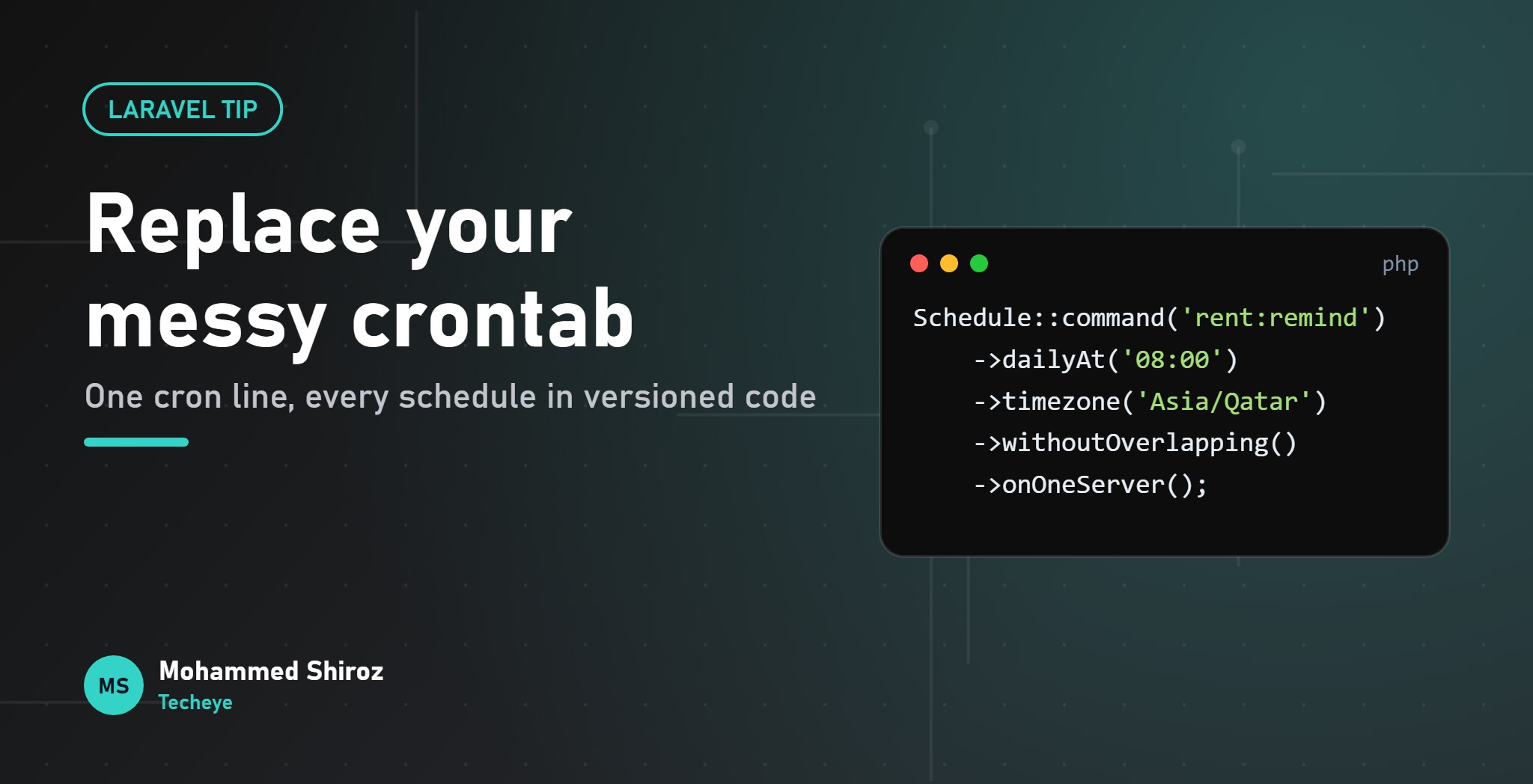
Since Laravel 11, the old app/Console/Kernel.php is gone from new apps. Schedules go in routes/console.php using the Schedule facade. Here's the crontab above, rewritten:
use Illuminate\Support\Facades\Schedule;

Schedule::command('reports:nightly')
    ->dailyAt('02:00')
    ->onOneServer()
    ->runInBackground();

Schedule::command('payments:sync')
    ->everyFiveMinutes()
    ->withoutOverlapping(10);

Schedule::command('rent:remind')
    ->weekdays()
    ->at('07:30')
    ->timezone('Asia/Qatar');

Schedule::command('model:prune')->daily();
It reads like a sentence. A new developer can open one file and know every recurring thing the app does. If you prefer, you can also define the schedule in bootstrap/app.php with ->withSchedule(...), but one dedicated file is easier to find.
The four methods that prevent real incidents
withoutOverlapping(): no two copies at once
If a run is still going when the next one is due, the new one is skipped. Laravel does this with a cache lock. The lock expires after 24 hours by default, which matters: if the server dies mid-run, the lock stays until it expires and the job silently skips. Pass a sensible number of minutes, like withoutOverlapping(10), for frequent jobs.
onOneServer(): one run across the whole fleet
Two web servers both running the cron means every task runs twice. Reminders get sent twice. Reports get generated twice. onOneServer() makes the first server to grab the lock run the task and the others skip it. It needs a shared cache that all servers talk to (Redis, Memcached, DynamoDB or the database driver), because a lock in each server's local file cache protects nothing.
runInBackground(): don't block the queue of tasks
Tasks due at the same minute run one after another by default. A slow nightly report can delay everything scheduled after it. runInBackground() starts it as a separate process so the rest of the schedule carries on. It works for command and exec tasks.
timezone(): say what you mean
"Send rent reminders at 7:30" means 7:30 for the tenant, not for a server that happens to be in UTC. Set the timezone per task, or set schedule_timezone in config/app.php for all of them. In countries with daylight saving, be careful with tasks between 1 and 3 AM: on change days they can run twice or not at all.
The default I use: anything that sends messages or touches money gets withoutOverlapping() and onOneServer(), even if you only have one server today. Tomorrow you'll add a second one and forget.
Heavy work belongs on the queue
The scheduler decides when. It shouldn't do the heavy lifting itself. For anything slow, schedule a job and let your queue workers handle retries and timeouts:
Schedule::job(new GenerateMonthlyStatements)
    ->monthlyOn(1, '06:00')
    ->onOneServer();
One small trap: if you schedule a closure with Schedule::call() and want onOneServer(), give it a name with ->name('cleanup-temp-files'). Laravel needs that name to build the lock key.
A schedule that fails silently is worse than none
Cron's worst habit is failing without telling anyone. The nightly report stopped three weeks ago and you find out when someone asks where it went. Add visibility:
Schedule::command('reports:nightly')
    ->dailyAt('02:00')
    ->onFailure(function () {
        Log::error('Nightly report failed');
    })
    ->pingOnSuccess(config('services.heartbeat.nightly_report'));
The failure hook catches tasks that run and fail. The success ping catches the scarier case: the task that never ran at all, because the cron line vanished or the server was rebuilt. Point it at any heartbeat monitoring service that alerts you when an expected ping doesn't arrive.
Tools you'll use every week
php artisan schedule:listshows every task and when it runs next. Great for reviewing a pull request.php artisan schedule:testlets you pick a task and run it now.php artisan schedule:workruns the scheduler in the foreground locally, no cron needed.->environments(['production'])keeps a task from running on staging, where it might message real people.
Migration checklist
- Copy every line from the old crontab into
routes/console.php, including the strange shell scripts (wrap them withSchedule::exec()or turn them into commands). - Decide the timezone for each one explicitly.
- Add overlap and one-server protection where duplicates would hurt.
- Add failure hooks and heartbeats for anything people depend on.
- Replace the crontab with the single
schedule:runline, then checkschedule:liston the server.
The full list of frequency options and hooks is in the Laravel scheduling docs.
What's the strangest thing you've found living in a server's crontab? I'm fairly sure everyone has at least one "who wrote this?" line.
01. About Shiroz

Mohammed Shiroz
Hi, I'm Mohammed Shiroz, a software engineer and AI enthusiast from Sri Lanka who turns ideas into intelligent, real-world solutions. With over 9 years of hands-on experience, I currently lead real estate ERP development at Kate Group, a...
02. Latest Posts


03.My Projects






 United States
 Sri Lanka
 Sweden
 United States
 Sri Lanka
 Russia
Be first to comment it...