

Back to blog
Filter by:
Tags
- Knowledge
- technology
- OOP
- Tips
- Programming
- Tips
- Tutorial
- SEO
- Ranking
- Knowledge
- Special Day
- Seo
- Bug
- Data science
- Seo
- artificial intelligence
- Machine Learning
- Robotics
- happyNewYear2021
- newYearEve
- 2021
- Automation
- Smart Home
- Career
- Best Practices
- Git
- Logging
- Web Fundamentals
- DNS
- HTTPS
- Performance
- AI Tools
- ChatGPT
- Claude
- Gemini
- Laravel
- Eloquent
- MySQL
- HTTPS
- TLS
- Web Security
- Certificates
- Developer Life
- Debugging
- Docker
- DevOps
- Transactions
- Queues
- LLMs
- AI
- AI Coding
- Developer Tools
- React Native
- Expo
- Kate PMS
- Mobile Apps
- Laravel
- Authentication
- Sanctum
- Cookies
- API Design
- Payments
- Idempotency
- DeepSeek
- Open Source AI
- LLMs
- AI News
- Git
- Version Control
- AI Coding
- Prompting
- PHP
- Checklist
- MCP
- AI Agents
- OpenAI
- Architecture
- Microservices
- Modular Monolith
- Estimation
- Developer Life
- Project Planning
- Humour
- OAuth
- OpenID Connect
- Authentication
- Embeddings
- Vector Search
- RAG
- pgvector
- OpenAI
- GPT-4.1
- Codex CLI
- Events
- Testing
- Clean Code
- Maintainability
- Code Review
- Webhooks
- API
- Security
- Claude Code
- Workflow
- AI
- LLM
- Prompt Injection
- Mobile
- React
- Networking
- TCP
- UDP
- HTTP/3
- CLAUDE.md
- AWS
- Cloud Security
- Backups
- PHPUnit
- Software Engineering
- Leadership
- Communication
- RAG
- Embeddings
- AI Engineering
- IT Infrastructure
- Networking
- Access Control
- CI/CD
- GitHub Actions
- Gemini CLI
- Claude Code
- JavaScript
- Async/Await
- Node.js
- Promises
- Security
- Cryptography
- Passwords
- MySQL
- Database
- Vibe Coding
- Software Quality
- DNS
- Code Reading
- Onboarding
- Productivity
- Background Jobs
- Developer Humour
- Estimates
- Dev Life
- JWT
- o3-mini
- DeepSeek R1
- Rate Limiting
- Kate PMS
- E-Signing
- Audit Trail
- REST
- GraphQL
- API Design
- Laravel 12
- Upgrade Guide
- Open Source
- Self-Hosting
- Task Scheduling
- Cron
- Secrets
- CORS
- PHP
- PHP-FPM
- OPcache
- GitHub Copilot
- Software Architecture
- Engineering
- TypeScript
- JavaScript
- Type Safety
- AI Security
- React Native
- Product Design
- AI Agents
- Kiro
- Queues
- Redis
- RabbitMQ
- AWS SQS
- Nginx
- Apache
- GPT-5
- gpt-oss
- Clean Code
- Architecture
- Naming
- Documentation
- Career
- ADR
- Teamwork
- Supply Chain
- Kate HRM
- HR Software
- Permissions
- System Design
- Pagination
- SSH
- Linux
- Big O
- Databases
- Laravel Boost
- MCP
- Developer Skills
- Validation
- Databases
- Indexes
- Code Quality
- Deployment
- Developer Humour
- Feature Flags
- Code Review
- Pull Requests
- Docker
- Cursor
- Authorization
- RBAC
- Gemini
- Long Context
- PHP 8.4
- Caching
- Dependency Injection
- Web Performance
- Browser
- CSS
- Database
- Migrations
- ChatGPT
- AI for Developers
- Monitoring
- On-Call
- REST
- Backend
- SQL
- NoSQL
- Database Design
- Coding Agents
- Claude 4
- API Resources
- REST API
- Load Balancing
- Scaling
- AWS
- AI Tools
- Claude
- Sora 2
- CTE
- 2FA
- TOTP
- Programming Languages
- Prompts
- Developer Workflow
- API Gateway
- APIs
- Passport
- API Auth
- Learning
- Burnout
- Developer Growth
- Web Development
- SEO
- Kate Mall
- ChatGPT Atlas
- Agent Skills
- Middleware
- Laravel 12
- Collections
- Context Window
- Monitoring
- Commit Messages
- Self Review
- Growth
- Regex
- Programming Basics
- Text Processing
- Database Design
- Normalization
- Linux
- Server Security
- Linux Foundation
- Open Standards
- Legacy Code
- Documentation
- AI Workflow
- File Uploads
- Test Data
- Hashing
- Performance
- Caching
- Enums
- Scope Creep
- Estimation
- Codex
- Gemini CLI
- Timezones
- Carbon
- Bugs
- PHP 8.5
- Gemini 3
- GPT-5.1
- Data Integrity
- Event Loop
- Async
- Opus 4.5
- AI Models
- React
- Forms
- Frontend
- Backups
- AI Images
- DALL-E
- Midjourney
- Race Conditions
- Concurrency
- Legacy Code
- Refactoring
- Senior Engineer
- Scope
- LLM
- CDN
- Web
- Sub-Agents
- Soft Deletes
- Audit Log
- Concurrency
- AI Learning
- NestJS
- AI Evals
- Policies
- SPF DKIM DMARC
- Unicode
- UTF-8
- Knowledge Graph
- Value Objects
- Technical Debt
- Feature Flags
- Laravel Pennant
- Deployment
- Copilot
- Composer
- Dependencies
- Artisan
- Automation
- AWS S3
- Object Storage
- Cloud
- Small Language Models
- Ollama
- Production
- Sessions
- HTTP
- Mentoring
- SQL
- Virtual Machines
- Web Development
- HTTP/2
- QUIC
- Web Performance
- AI Integration
- LLM API
- SOLID
- OOP
- Hosting
- Serverless
- Merge Conflicts
- Temperature
- AI Development
- Reverse Proxy
- Nginx
- Infrastructure
- Verification
- Passkeys
- WebAuthn
- Teams
- Communication
- Stakeholders
- Monorepo
- CI/CD
- Versioning
- JSON Schema
- Livewire
- Inertia
- Meetings
- Distributed Systems
- Privacy
- Full-Stack
- T-Shaped Skills
- Money
- Notifications
- Web Security
- HTTP Headers
- CSP
- Function Calling
- Load Testing
- k6
- Data Extraction
- Debugging
- WebSockets
- SSE
- Real-Time
- Laravel Reverb
- Infrastructure as Code
- Terraform
- Side Projects
- Laravel Pint
- OpenAPI
- Swagger
- UX
- Multimodal
- Jest
- Pair Programming
- APIs
- Rate Limiting
- Resilience
- Dev Humour
- Design Tokens
- JWT
- API Keys
- Sessions
- PHPStan
- Rector
- Incidents
- Reporting
- Dashboards
- Zero Trust
- IAM
- Search
- Laravel Scout
- Junior Developers
- Mentoring
- Images
- WebP
- AVIF
- Bug Reports
- Let's Encrypt
- Design Docs
- Software Design
- Observers
- Replication
- Accountability
- Data Structures
- Reliability
- LLM Memory
- Error Handling
- Payments
- Payment Gateway
- Webhooks
- PCI DSS
- Observability
- OpenTelemetry
- Personal Brand
- Writing
- Conventions
- Dates
- Scheduling
- Disaster Recovery
- Compression
- Brotli
- Deadlines
- Developer Habits
- State Machines
- Tech Roles
- UUID
- ULID
- Horizon
- Planning
- Engineering Culture
- Ownership
- Soft Skills
- Socialite
- Cost Control
- Collations
- Unicode
- Octane
- PostgreSQL
Categories
//Article title
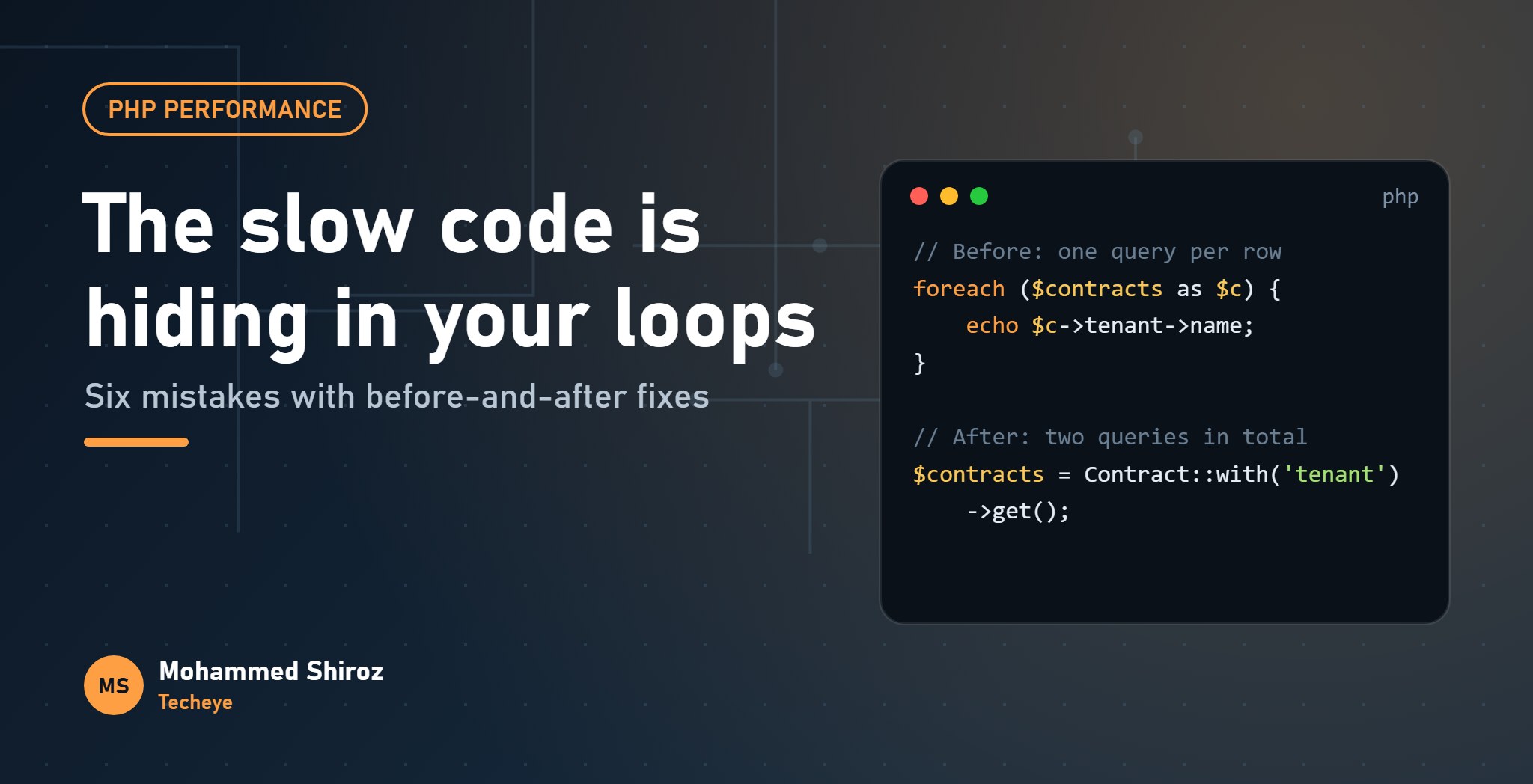
PHP Performance Mistakes Hiding in Your Loops and Queries
About Post
When a PHP page is slow, people blame PHP. Then they open a profiler and find the real culprit: a single innocent-looking line inside a foreach, running a database query once for every row.
Modern PHP is fast. What's slow is asking it to do the same expensive thing thousands of times without noticing. Most of these mistakes are invisible with test data and painful with real data, which is exactly why they reach production.
Here are six I see over and over, with the fix for each, and one "performance tip" you can safely forget.
1. A query inside the loop
The classic N+1 problem. It hides behind Eloquent's lazy loading, so the code doesn't even look like it's running queries.
// Before: 1 query for contracts + 1 per contract for the tenant
$contracts = Contract::where('status', 'active')->get();

foreach ($contracts as $contract) {
    echo $contract->tenant->name;
}

// After: 2 queries in total, however many contracts there are
$contracts = Contract::with('tenant')->where('status', 'active')->get();
Make Laravel catch this for you during development. In AppServiceProvider::boot():
Model::preventLazyLoading(! app()->isProduction());Now any lazy-loaded relationship throws an exception locally, so you see the problem the first time you load the page instead of when the table is big.
2. Counting and checking with a query per row
A quieter cousin of N+1: asking a yes/no or how-many question for each row.
// Before: one COUNT query per contract
foreach ($contracts as $contract) {
    $overdue = $contract->payments()->where('status', 'overdue')->count();
}

// After: the counts come back with the contracts, in the same query
$contracts = Contract::withCount([
    'payments as overdue_count' => fn ($q) => $q->where('status', 'overdue'),
])->get();
For simple "does it have any?" checks, withExists('payments') adds a payments_exists boolean the same way.
3. Repeating an expensive lookup on every iteration
Not every slow loop involves the database. Searching an array inside a loop is a hidden nested loop.
// Before: in_array scans $blockedIds from the start every time
foreach ($users as $user) {
    if (in_array($user['id'], $blockedIds)) { /* ... */ }
}

// After: build a lookup once, then each check is a direct hash lookup
$blocked = array_flip($blockedIds);

foreach ($users as $user) {
    if (isset($blocked[$user['id']])) { /* ... */ }
}
With small arrays, nobody will notice. With tens of thousands of users and IDs, the first version does a huge amount of pointless work. The same goes for anything that gives the same answer every iteration: parsing the same date, reading the same setting, building the same regex or calling the same external service. Hoist it above the loop.
4. array_merge in a loop
This one looks harmless and isn't:
// Before: copies the ever-growing $rows array on every iteration
$rows = [];
foreach ($files as $file) {
    $rows = array_merge($rows, parseFile($file));
}

// After: collect the pieces, merge once at the end
$parts = [];
foreach ($files as $file) {
    $parts[] = parseFile($file);
}
$rows = array_merge(...$parts);
array_merge builds a brand-new array each time, copying everything collected so far. The total work grows with the square of the data. Appending with $parts[] = and merging once keeps it linear.
A related point about array copies: PHP uses copy-on-write, so passing a big array to a function is cheap. The copy only happens if the function modifies it. You don't need references to "save memory" in normal code; you just need to avoid changing large arrays you've been handed.
5. Building a giant string (the real problem, not the myth)
Here's the myth: "string concatenation in loops is slow, use implode." In PHP, appending with .= is efficient, and for most code the difference isn't worth thinking about.
The real problem is what you're building. Exporting a large CSV by concatenating every row into one string means holding the entire file in memory before sending a single byte. Stream it instead:
return response()->streamDownload(function () {
    $out = fopen('php://output', 'w');
    fputcsv($out, ['Contract', 'Tenant', 'Status']);

    Contract::with('tenant')->lazyById(500)->each(function ($c) use ($out) {
        fputcsv($out, [$c->number, $c->tenant->name, $c->status]);
    });

    fclose($out);
}, 'contracts.csv');
Memory stays flat no matter how many rows there are, and the download starts immediately.
6. Loading the whole table into memory
Contract::all() on a large table hydrates every row into a full Eloquent model at once. It works fine until the table grows, and then the job dies with "Allowed memory size exhausted".
Process large sets in batches:
chunkById(500, fn ($contracts) => ...)processes 500 at a time.lazyById(500)gives you a lazy collection that fetches in batches behind the scenes, so you can write a simpleeach().cursor()streams one model at a time with a single query, but can't eager load relationships.
A gotcha worth knowing: if you update the column you're filtering on while using plain chunk(), the offsets shift and rows get skipped. chunkById() pages by primary key, so it doesn't have that problem. Use it by default.
The rule: look at every loop and ask, "what does this line cost, times the number of rows in production?" A query, an array scan or a copy that's cheap once can be very expensive ten thousand times.
Measure before you optimise
Don't guess. Laravel Debugbar or Telescope show query counts per request, and a sudden jump from a handful to hundreds is the clearest N+1 alarm there is. For CPU-heavy code, a profiler like Xdebug's or Blackfire shows exactly which function eats the time.
And skip the micro-optimisations. Caching count() outside a for condition, or choosing single quotes over double quotes, won't rescue a page that runs a query per row.
Checklist for your next code review
- Any relationship accessed inside a loop? Eager load it.
- Any
count(),exists()orfirst()inside a loop? UsewithCountorwithExists. - Any
in_arrayor repeated parsing inside a loop? Build a lookup or hoist it. - Any
array_mergeaccumulating inside a loop? Collect, then merge once. - Any big export built in memory? Stream it.
- Any
all()orget()on a table that will grow? Chunk it.
Which of these have you found in production code? And what's the slowest loop you've ever had the pleasure of fixing?
01. About Shiroz

Mohammed Shiroz
Hi, I'm Mohammed Shiroz, a software engineer and AI enthusiast from Sri Lanka who turns ideas into intelligent, real-world solutions. With over 9 years of hands-on experience, I currently lead real estate ERP development at Kate Group, a...
02. Latest Posts


03.My Projects






 United States
 Sri Lanka
 Sweden
 United States
 Sri Lanka
 Russia
Be first to comment it...